Automated quoting replaces manual price building and document formatting with software that pulls product, pricing, and customer data straight into a finished quote. The main payoff is speed and consistency at volume: quotes that took hours now take minutes, with fewer pricing errors reaching a customer's inbox. Platforms like Quotarro extend that logic past the quote itself, connecting it to scheduling and invoicing so the whole job pipeline moves without manual handoffs.
TL;DR:
- Automated quoting can reduce quote turnaround time by 30 to 50 percent, especially when replacement is based on preset rules and configuration logic.
- Accurate quotes are achieved through direct configuration from validated product setups, eliminating transcription errors common in manual processes.
- Proper implementation requires initial data cleanup, defining business rules in advance, and starting with high-frequency, simple quotes to ensure reliable operation.
- The most effective automation includes integration with CRM, ERP, and scheduling systems, enabling a seamless flow from quote acceptance to invoicing and payment.
- Role-based permissions must be carefully managed to prevent bottlenecks or unauthorized discounts, balancing authority across sales, finance, and field teams.
Table of Contents
- What Automated Quoting Is and When Your Team Needs It
- Key Features to Expect From Quote Generation Software
- How Does Automated Quoting Work Step by Step?
- Primary Benefits and KPIs: What to Measure and Expect
- Implementation Checklist: A Low-Friction Rollout
- How Quotarro Approaches the Quote-to-Payment Pipeline
- User Roles and Permissions Management Within Automated Quoting Systems
- Editorial Perspective: What Sales and Ops Leaders Should Prioritize Next
- Quotarro: Move From Quote to Payment Without the Manual Handoffs
- Sources
What Automated Quoting Is and When Your Team Needs It
Automated quoting is software that generates sales quotes from existing data (product catalogs, pricing rules, customer terms) instead of a rep assembling one by hand in a spreadsheet or document editor. It's the practical layer of what's often called quote-to-cash: the sequence from opportunity to signed quote to invoice to payment. Quote automation reduces manual entry at each handoff and shortens the sales cycle by removing the redundant retyping that happens between a CRM opportunity and a finished proposal.
You'll hear this bucketed under CPQ, short for configure, price, quote. CPQ is the specific discipline of automating quotes for products with options, dependencies, and tiered pricing. Automated quoting is the broader outcome; CPQ is one common way to get there. Not every business needs full CPQ complexity, but almost every business generating more than a handful of quotes a week benefits from some layer of automation.
The warning signs are usually easy to spot once you look for them. Reps spend more time formatting documents than talking to prospects. Pricing errors slip through because someone fat-fingered a discount or forgot to update a rate card. Two quotes for the same service look nothing alike because every rep builds their own template. Follow-up quotes take days instead of hours because nobody remembers where the original pricing logic lived.
The businesses that lean hardest on automated quoting tend to fall into three groups: service businesses quoting recurring or similar jobs (landscaping, HVAC, cleaning, contracting), companies selling configurable products with options and add-ons, and field service teams where a technician's on-site assessment needs to turn into a formal quote before the truck leaves the driveway. If your quotes are mostly identical with small variables (square footage, hours, materials), you're a strong candidate. If every quote is a bespoke negotiation with dozens of custom terms, automation still helps, but you'll spend more time on the rules engine before it pays off.
Key Features to Expect From Quote Generation Software
Not all quote generation software is built the same way, and the feature list matters more than the marketing copy. Here's what separates a real automated quoting platform from a glorified template library:
- Guided selling and configuration rules. The system walks a rep (or a customer, in self-service setups) through valid product combinations and blocks incompatible options before they ever hit a quote.
- Dynamic pricing logic. Discount tiers, contract length, volume breaks, and promotional pricing get applied automatically based on rules you set once, not per quote.
- Approval workflows and exception handling. Quotes within normal thresholds go straight to the customer; anything outside the rules (an unusual discount, a nonstandard term) routes to a manager automatically.
- Branded templates with version control. Every quote uses the same professional layout, and you can see exactly which version a customer received if terms get revised later.
- Integrations with CRM, ERP, product catalogs, and payment processors. The quote pulls live data instead of a stale export, and once accepted, it can trigger scheduling or invoicing without anyone re-entering the same information.
- AI-assisted quoting for natural-language requests. Some platforms, including Salesforce's Agentforce tooling, now let a rep type a plain-language description of the deal and get a draft quote pulled from product, pricing, and deal history.
Configuration-driven pricing deserves particular attention because it fixes a problem most sales teams don't realize they have. When a quote is generated directly from the validated product configuration rather than typed up separately, there's no gap where a rep's document disagrees with what was actually configured. Mercura's CPQ documentation frames this as eliminating the disconnect between quote and order, and it's the single biggest source of quote-to-order errors in manual processes.
Document quality matters more than most teams give it credit for. Branded, consistently formatted quotes read as more trustworthy to a customer comparing multiple bids, and PandaDoc's research on quote automation ties template consistency directly to both compliance and customer perception. A quote that looks different every time a different rep sends it quietly signals disorganization, even when the pricing underneath is correct.
How Does Automated Quoting Work Step by Step?
The mechanics behind automated quoting follow a fairly consistent sequence across platforms, whether you're running a lightweight tool or a full CPQ suite.
- Data collection. The system pulls the opportunity details from your CRM, the relevant product or service catalog, and any account-specific terms (existing contract pricing, loyalty discounts, payment terms).
- Configuration and rule evaluation. The rep or customer selects options, and the system checks those selections against dependency rules, availability, and compatibility constraints in real time.
- Pricing calculation. Base prices, volume discounts, promotional codes, and contract-term adjustments get applied automatically based on the rules you've configured.
- Validation and approval routing. Quotes within standard thresholds move forward untouched. Anything flagged, an oversized discount, a nonstandard payment term, routes to the right approver automatically instead of sitting in an inbox.
- Document generation and delivery. The finished quote gets formatted into a branded document and sent through email, a client portal, or e-signature tool, depending on how the workflow is set up.
- Tracking and pipeline updates. The system logs when the quote was opened, tracks version history if terms change, and updates the CRM opportunity stage automatically once the customer responds.
That last step matters more than it sounds. DealHub's overview of quote automation notes that triggers like an opportunity stage change or a discount threshold being exceeded can kick off the next action automatically, whether that's generating a fresh quote or escalating for approval. The whole point is removing the manual checkpoints where quotes used to sit and wait for someone to notice them.
Primary Benefits and KPIs: What to Measure and Expect
The core benefits of automated quoting show up in four measurable places: how fast a quote goes out, how accurate it is, how quickly it clears approval, and whether it closes.
Turnaround time is usually the first metric that improves, and it improves fast. Businesses moving off manual quoting commonly report 30 to 50% faster turnaround once documented rules replace ad hoc pricing decisions. Accuracy follows close behind. When a quote is generated directly from the configuration rather than typed separately, there's no gap for transcription errors, and Cincom's analysis of quote automation documents cases where quote generation time dropped from hours to minutes with a corresponding drop in pricing mistakes.
Pro Tip: Track time-to-quote separately from time-to-approval. Teams often fix the quote-building bottleneck and assume they're done, only to discover the real delay was always sitting in a manager's approval queue.
The KPIs worth watching on a dashboard:
- Time-to-quote: hours (or minutes) from opportunity creation to a delivered quote.
- Quote accuracy rate: percentage of quotes requiring correction after delivery.
- Approval latency: average time a quote spends waiting for sign-off.
- Win rate on automated vs. legacy quotes: whether faster, cleaner quotes actually convert better.
- Quote volume per rep: whether the same headcount can now handle more deal flow.
Faster turnaround compounds. A quote that reaches a customer same-day, instead of two days later, competes better against every other vendor still working off a spreadsheet.
Scale is where the math changes most. Configuration-driven quoting lets a business handle a growing quote volume without hiring proportionally more sales support, since the system, not a person, is doing the repetitive assembly work.
None of this is free of trade-offs. Heavy automation can flatten the personalization a complex enterprise deal sometimes needs, and a rules engine tuned for standard SKUs can feel rigid when a rep is negotiating something genuinely unusual. The fix isn't avoiding automation, it's building in a clean exception path so nonstandard deals route to a human instead of getting forced through a template that doesn't fit.
Implementation Checklist: A Low-Friction Rollout
Rolling out automated quoting badly is easy: configure it around messy data, skip the pilot, and wonder why adoption stalls. Here's the sequence that avoids that.
- Audit your product catalog and pricing data first. Automation exposes every inconsistency in your existing price list, so clean that up before you configure anything, not after.
- Document your business rules and approval thresholds on paper. Write down every discount tier, every condition that triggers manager review, before you touch the software.
- Map your integrations. Decide exactly what data flows between your CRM, ERP, inventory system, and payment processor, and who owns each field if there's a conflict.
- Pilot with your simplest, highest-frequency quotes first. Pick the SKUs or service types you quote most often, not the most complex ones, to prove the system fast.
- Stress-test edge cases deliberately. Run discount stacking scenarios, expired promotions, and unusual contract terms through the system before real customers see it.
- Train users around real workflows, not software tours. Show reps how their actual weekly quotes will move through the new system, and track adoption with usage data, not assumptions.
- Revisit configuration and governance a month after launch. Rules that looked right on paper often need adjustment once real deal flow hits them.
Pro Tip: Run your pilot on a product line that generates at least a few quotes a week. A once-a-month SKU won't surface enough edge cases to tell you if the rules actually hold up.
The most common failure point isn't the software, it's skipping the data audit. Cincom's implementation guidance points out that testing scenarios thoroughly before go-live catches the pricing conflicts that otherwise surface as customer complaints weeks later.
How Quotarro Approaches the Quote-to-Payment Pipeline
Quotarro automates the job pipeline from the first inquiry through receiving payment, treating quoting as one stage in a continuous workflow rather than an isolated document task. A quote built in Quotarro connects directly to technician scheduling and dispatch, so an accepted quote doesn't sit in a queue waiting for someone to book the job manually. Once the work is scheduled and completed, invoicing and payment collection follow the same automated thread.
That end-to-end structure targets a specific failure point service businesses run into constantly: the gap between "customer said yes" and "job actually gets on the calendar and paid for." Quotarro's own positioning centers on eliminating administrative burden across that whole span, not just the quoting step in isolation.
By streamlining quoting, scheduling, and invoicing into one coordinated flow, Quotarro helps ensure every lead is captured and managed efficiently, letting professionals spend their time delivering the work instead of chasing paperwork.
Representative KPIs worth tracking during a pilot on a platform like this:
- Time from initial inquiry to delivered quote.
- Time from accepted quote to scheduled job.
- Time from completed job to invoice sent and payment received.
- Reduction in missed follow-ups or leads that fell through administrative cracks.
If you're running a pilot, this is exactly where a proprietary case study belongs: your own before-and-after numbers on quote turnaround, missed-job recovery, or days-to-payment once the pipeline runs end-to-end instead of in disconnected steps.
User Roles and Permissions Management Within Automated Quoting Systems
Every automated quoting platform needs a permissions structure that matches how your team actually makes pricing decisions, not a generic admin/user split. Reps typically get access to build and send standard quotes within pre-approved pricing bands. Sales managers get visibility into every quote in their territory plus the authority to approve exceptions, discounts above threshold, custom terms, nonstandard payment schedules. Finance or operations leads usually need read access across the board plus the ability to adjust the underlying pricing rules and catalog data, since they're the ones who catch systemic pricing problems before they compound.
Field service businesses add another layer: technicians or field reps often need quoting access scoped to what they can see and configure on-site, without the ability to touch contract terms or override pricing rules meant for the back office. That split protects margin without slowing down the person standing in front of the customer.

Get the permission structure wrong and you'll see one of two failure modes. Lock it down too tight, and reps route every routine quote through a manager, recreating the exact bottleneck automation was supposed to remove. Leave it too loose, and you'll find discounts approved by people who never should have had that authority, usually discovered months later during a margin review.
The fix is thinner than most teams expect: define three or four role tiers, assign clear discount and term thresholds to each, and revisit those thresholds quarterly as your product mix and pricing strategy change.
Editorial Perspective: What Sales and Ops Leaders Should Prioritize Next
Most teams overthink the rollout and underthink the data. Pick one clean, high-frequency use case (your most common service package, your simplest configurable product) and pilot it in weeks, not quarters. Trying to automate every quote type on day one is how these projects stall.
Lock your product and pricing data before you touch configuration. Automation doesn't fix bad data, it just makes bad pricing consistent and fast, which is worse than slow and inconsistent.
Automate your approval guardrails before you automate anything else. Speed without governance is how a $500 discount becomes a $5,000 mistake at scale. Get the exception routing right first, then optimize for velocity.
Measure relentlessly and be willing to adjust rules a month in. The teams that see the real payoff aren't the ones with the fanciest configuration, they're the ones who freed reps to actually sell instead of format documents, then used the time saved to close more deals.
— Corporate
Quotarro: Move From Quote to Payment Without the Manual Handoffs
If your quotes still live in spreadsheets and your scheduling happens in a separate app from your invoicing, the gaps between those tools are where jobs slip through. Quotarro is built specifically for service businesses and field teams that need quoting, scheduling, and payment collection running as one connected system instead of three disconnected ones.
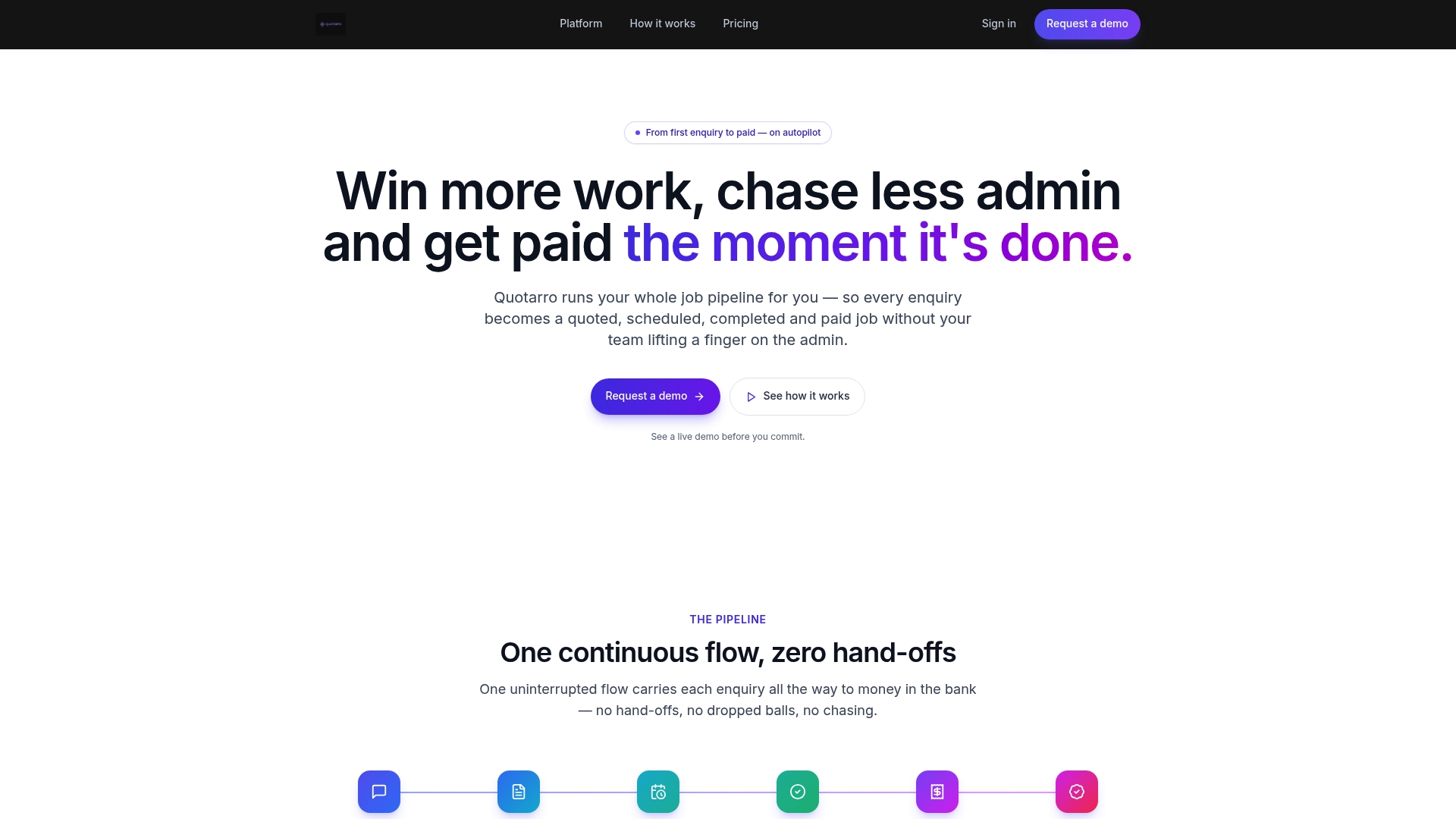
Every accepted quote in Quotarro flows directly into technician assignment and job tracking, then into invoicing once the work is done, without anyone re-entering the same customer details three times across three platforms. That means fewer missed follow-ups, faster payment cycles, and a back office that isn't stitching data together manually at the end of every week. If you're ready to see how that pipeline would run for your own quote volume, request a Quotarro demo and walk through your actual use case with your own product catalog and pricing rules.